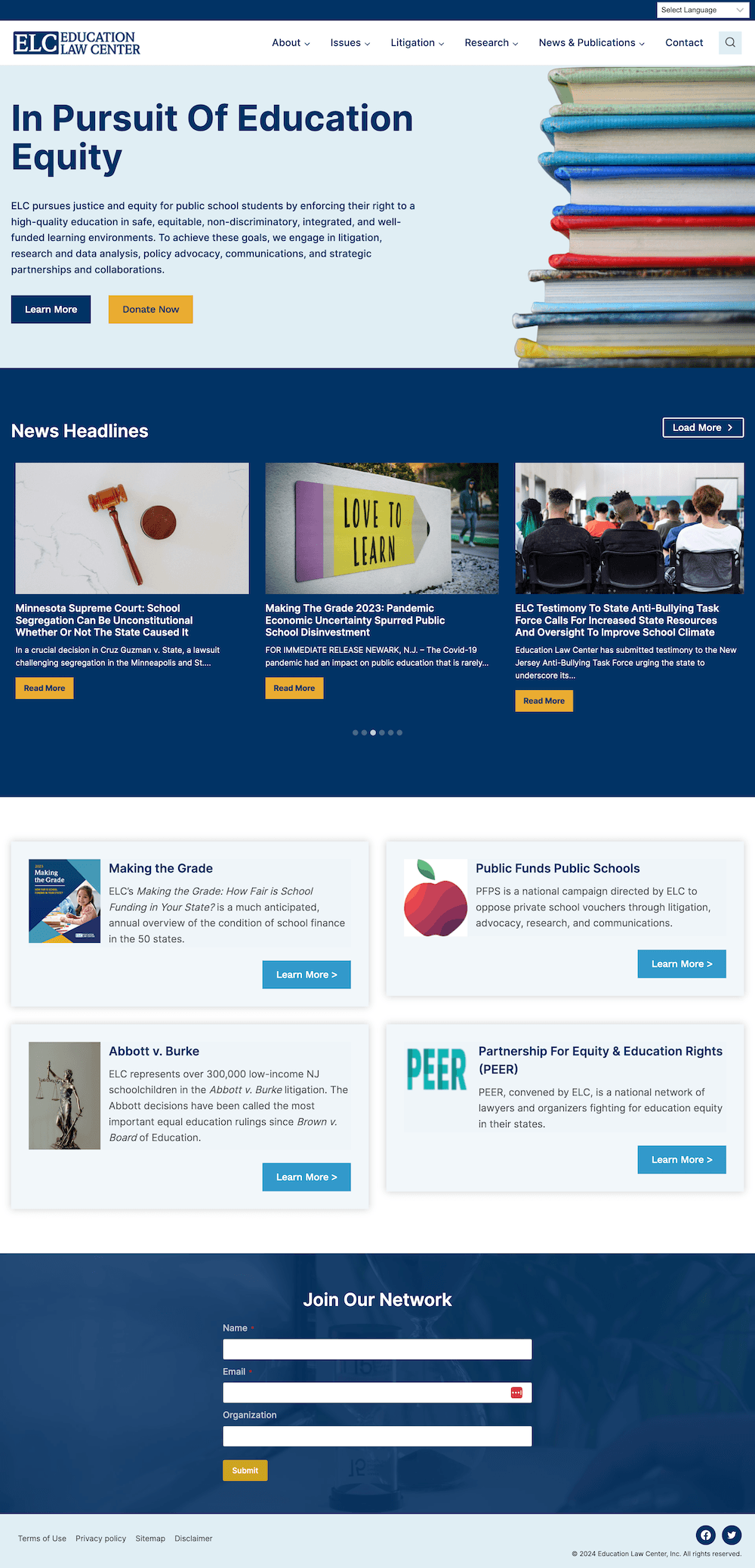
Education Law Center
2,000+ pages moved from MODX to a WordPress site that's easier for staff to manage
View project
Find out where your WordPress site falls short of WCAG 2.2 AA, and get it fixed properly in your theme, templates, and content instead of covered up with a toolbar plugin.
At a glance
Audits from $1,500
1 in 4
US adults has a disability. If your site doesn't work with a keyboard, a screen reader, or magnification, they can't donate, register, buy, or get in touch.
Source: CDC, 2024
Nonprofits and associations whose websites serve the public, donors, and members
Companies facing accessibility requirements in RFPs, contracts or procurement reviews
Teams that added an accessibility plugin or toolbar and want the underlying problems actually fixed
Organizations that need to show their board, funders or counsel documented progress
Automated scans plus manual keyboard, screen reader, and color-contrast testing of your key templates and pages
A findings report mapped to WCAG 2.2 AA success criteria, ranked by severity and user impact
A prioritized remediation roadmap with effort estimates you can budget against
A plain-language summary for leadership and your board
Hands-on fixes to your theme, templates, plugins, forms, and content
A retest after fixes, plus a draft accessibility statement for your site
We pick the templates and high-traffic pages that represent your site, such as the homepage, donation or contact forms, event pages, and articles.
I test those pages with automated tools and by hand, then document every issue against WCAG 2.2 AA.
We walk through the findings together and agree on what to fix first, based on risk, user impact, and budget.
I fix the code, theme, and plugin issues. Where it makes sense, I train your team to keep new content accessible.
I verify the fixes, update the report, and draft an accessibility statement you can publish on your site.
$1,500–$3,500
Set by the number of unique templates in scope. Includes the report, the roadmap, and a walkthrough of the findings.
Quoted from your roadmap
Quoted from the audit findings. Your audit fee is credited toward remediation booked within 60 days.
From $799/mo
If you'd like, the Partner care plan adds quarterly accessibility scans and fixes, so new content doesn't undo the work.
Accessibility work is technical, not legal advice. For questions about legal obligations, talk to your counsel.
2,000+ pages moved from MODX to a WordPress site that's easier for staff to manage
View project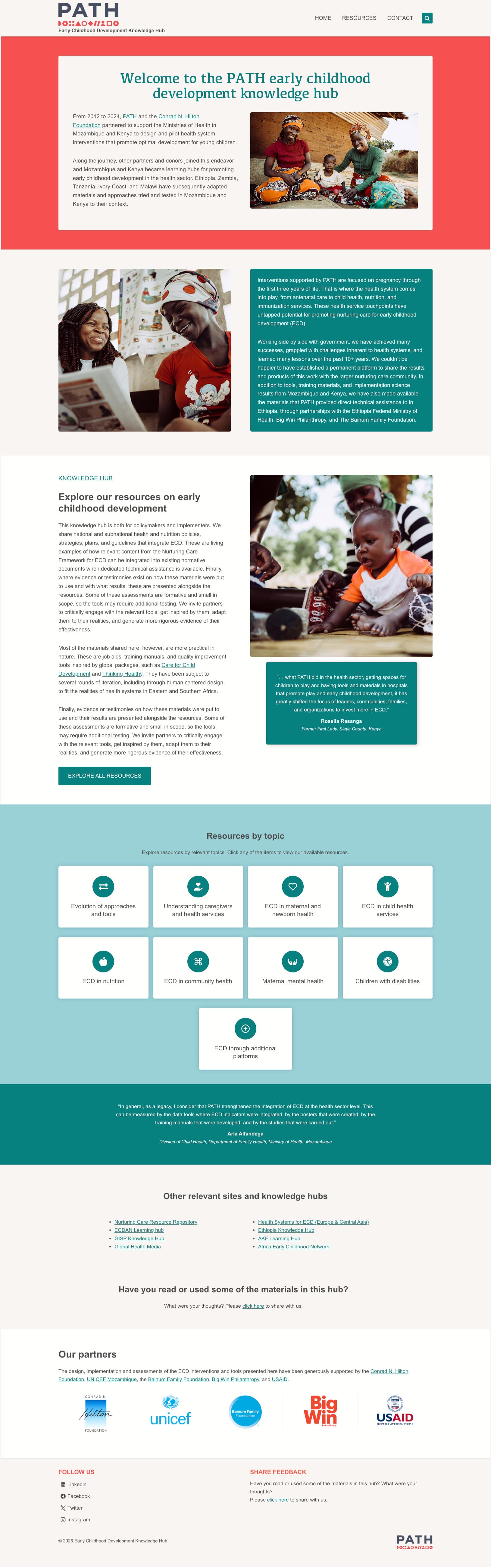
Helps practitioners in four countries find the resources they need by country, language, and type
View project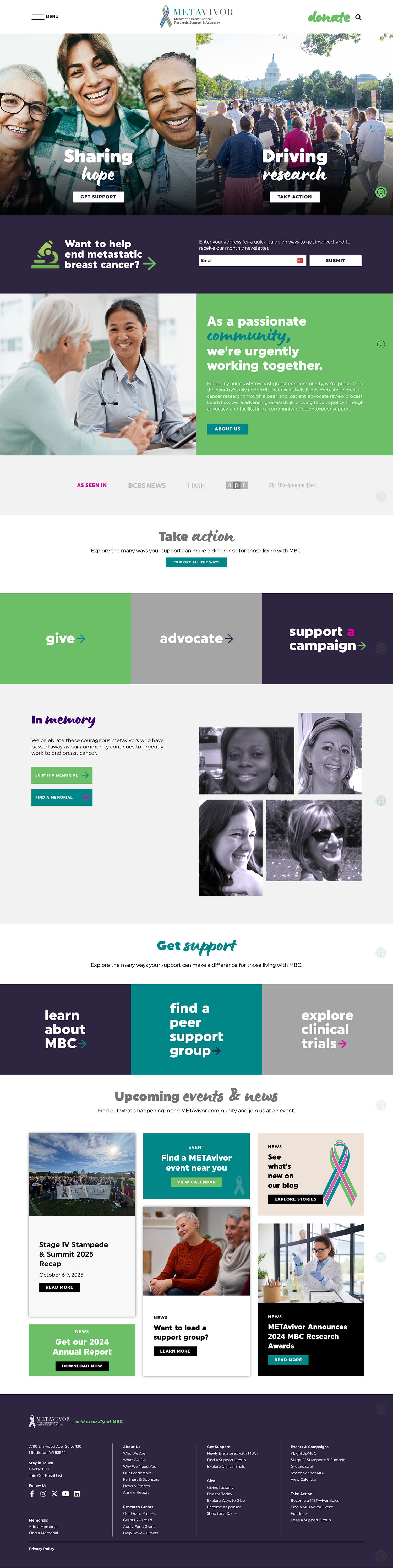
Makes it easy for supporters to give, take action, and honor loved ones for a cancer nonprofit
View projectNo one can honestly guarantee "ADA compliance," because the ADA doesn't name a technical standard for websites. WCAG 2.2 AA is the standard most regulators, courts, and settlements point to. I audit against it, fix what I find, and document the work so you can show good-faith progress. For legal questions, talk to your attorney.
Very common. WebAIM's 2026 analysis of the top one million home pages found detectable accessibility failures on 95.9% of them, with an average of 56 errors per page. Automated tools only catch some issues, so most sites have more problems than a quick scan shows.
Plugins that add an accessibility toolbar or button sit on top of your site, but they don't fix the underlying code that screen readers and keyboards rely on, and sites using them still receive demand letters. Real fixes happen in your theme, plugins, and content.
Often, yes. Most private nonprofits that serve the public fall under ADA Title III, which already applies. Public entities fall under Title II, with compliance deadlines in April 2027 and April 2028 depending on size. Your attorney can confirm what applies to you.
Most audits take one to two weeks from kickoff to the walkthrough, depending on how many templates are in scope. Remediation timelines depend on what the audit finds.
It's a short public page explaining the accessibility standard your site aims for, any known limitations, and how visitors can report a barrier. It isn't a legal document, so I can draft it for you. If it will make specific conformance claims, it's worth having your counsel review it before you publish.
PDFs are often the biggest accessibility gap on nonprofit sites. The audit can include a sample of your most-downloaded documents, and document remediation is quoted separately.
Yes. The audit works the same way on any website, and I fix accessibility issues on Webflow, Squarespace, Shopify, and React and Next.js sites too.
Custom sites and full redesigns for organizations that have outgrown a template, from member directories and online courses to integrations and large content migrations.
Most builds $5,000–$20,000Updates, backups, security monitoring, and development hours each month, from the developer who actually knows your site.
From $199/monthMember directories, events, learning platforms, resource libraries, and CRM integrations your staff can actually run.
Typically $5,000–$20,000Send me your URL, and I'll run a quick spot-check on your homepage and tell you what I see.
Get in Touch